Log a Completed Chore (Parent)
Credit pocket money straight away when you have already paid or agreed to pay for work done.
Free vs Premium: On the free tier, type any activity name. Premium families can save presets under Settings → Custom Activities for one-tap logging.
1
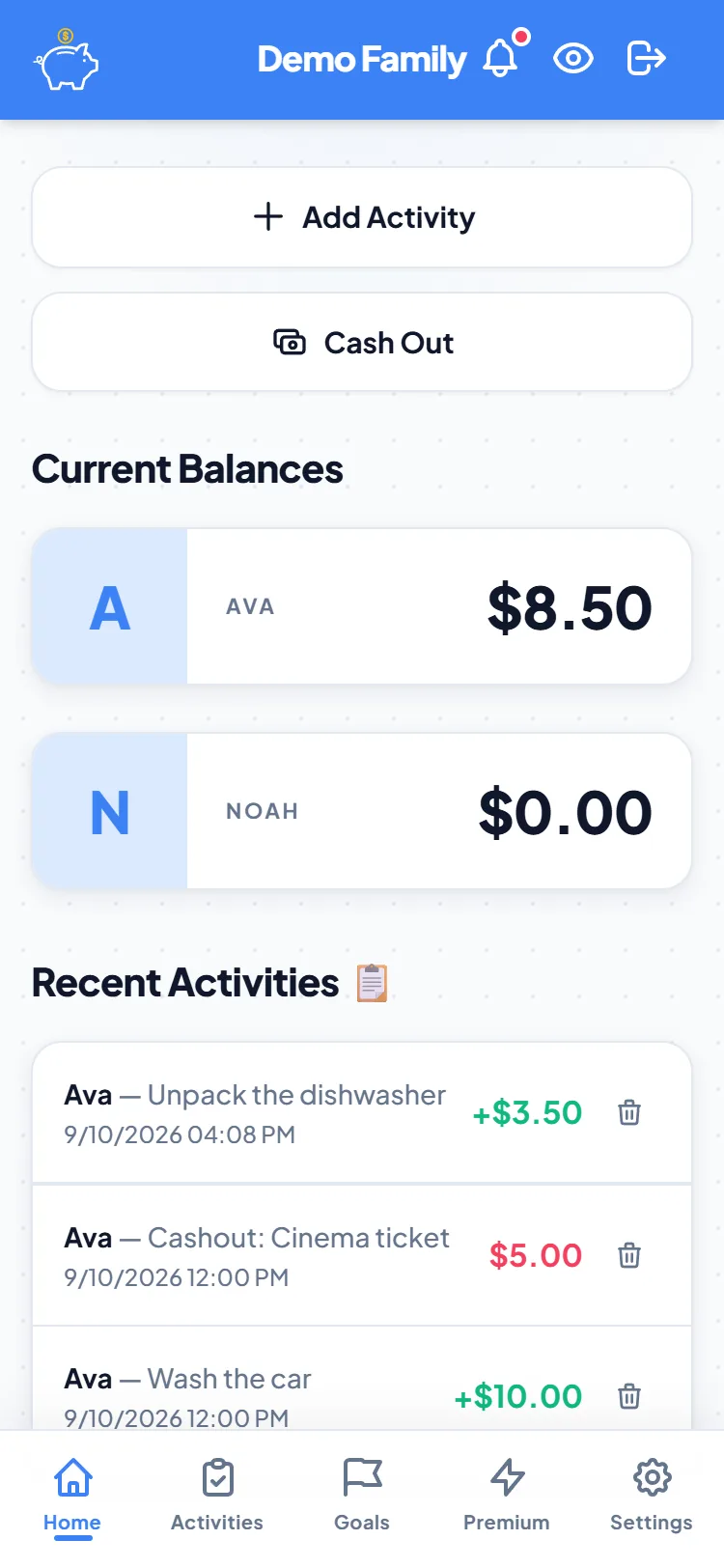
Open Home
From the bottom nav, tap Home. You will see each child’s current balance and recent activity.

2
Tap Add Activity
Tap Add Activity at the top of Home. Make sure the Completed tab is selected (not + Kid or + Adult).

3
Fill in the details
Select one or more kids, set the date, enter the activity name (e.g. Mowed lawn), and the reward amount in dollars.

4
Save Entry
Tap Save Entry. The ledger updates immediately — no approval needed when a parent logs the chore.
Want kids to log their own work first? See the kid approval guide.