Getting Started
Welcome to Chores Done! Follow this quick guide to create your secure parent account and initialize your family's task tracker.
Choose Your Login Method
Select your preferred login method below to see the exact setup steps:
Google Account
Fastest option. One-click login using your existing Gmail or family account.
Microsoft Account
Seamlessly connect using your Outlook, Hotmail, or Xbox credentials.
Email & Password
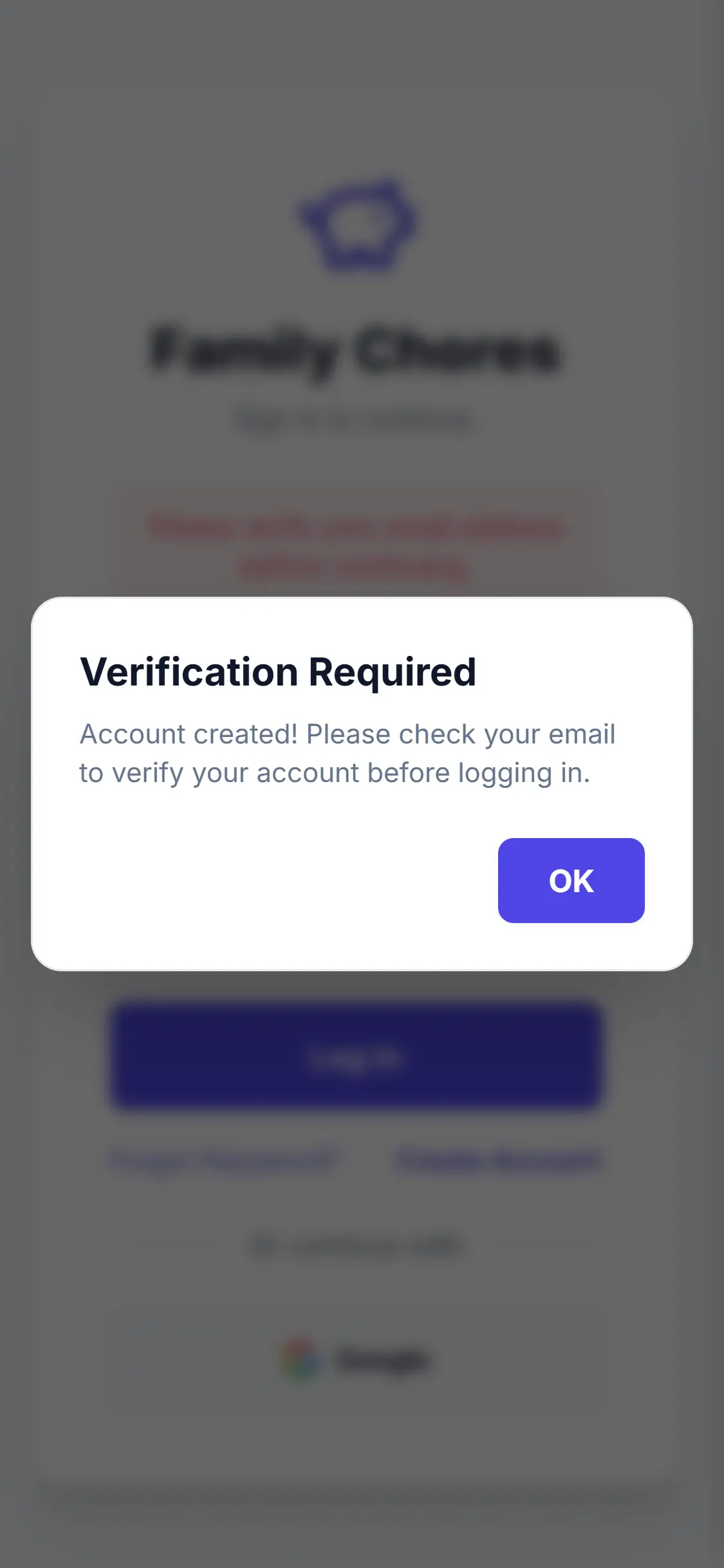
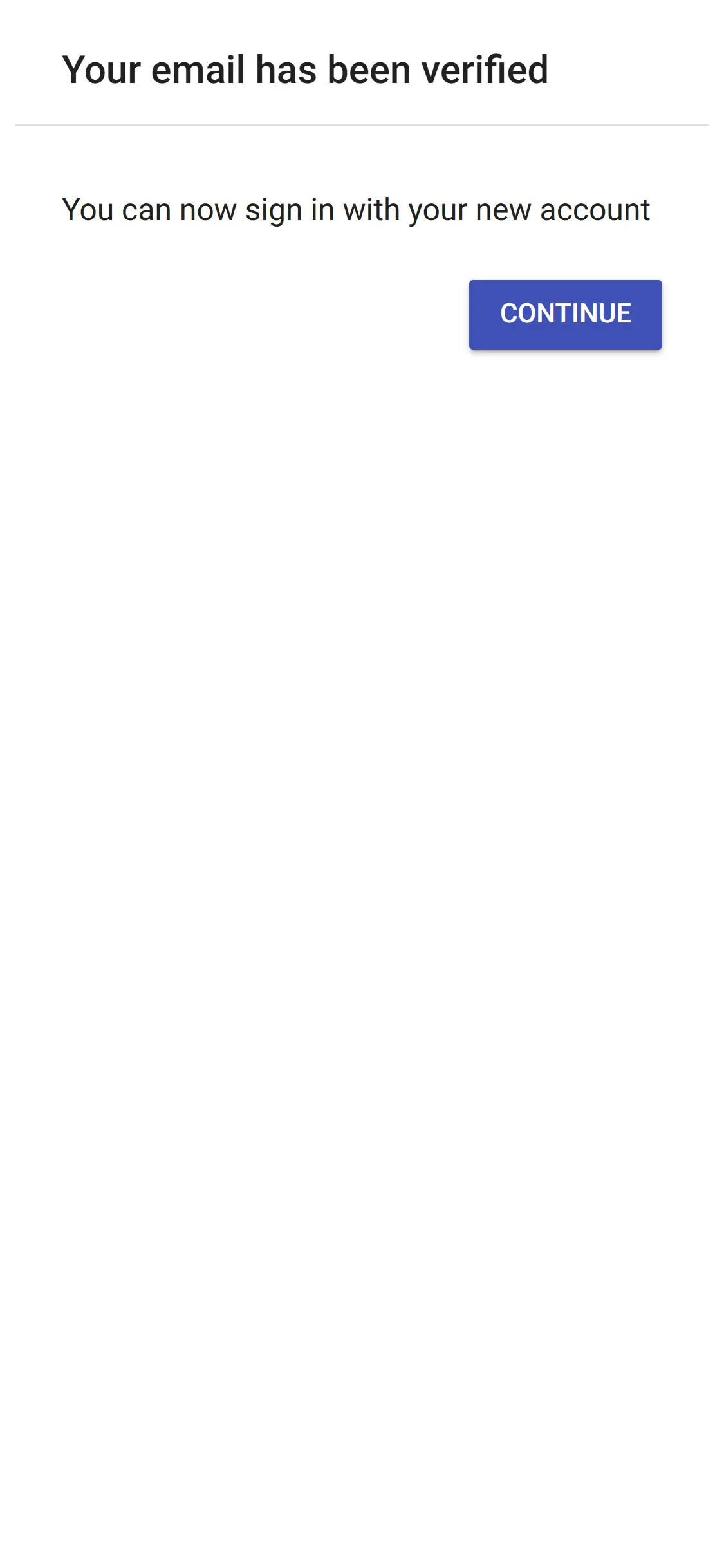
Use any standard email address (requires a quick inbox verification step).
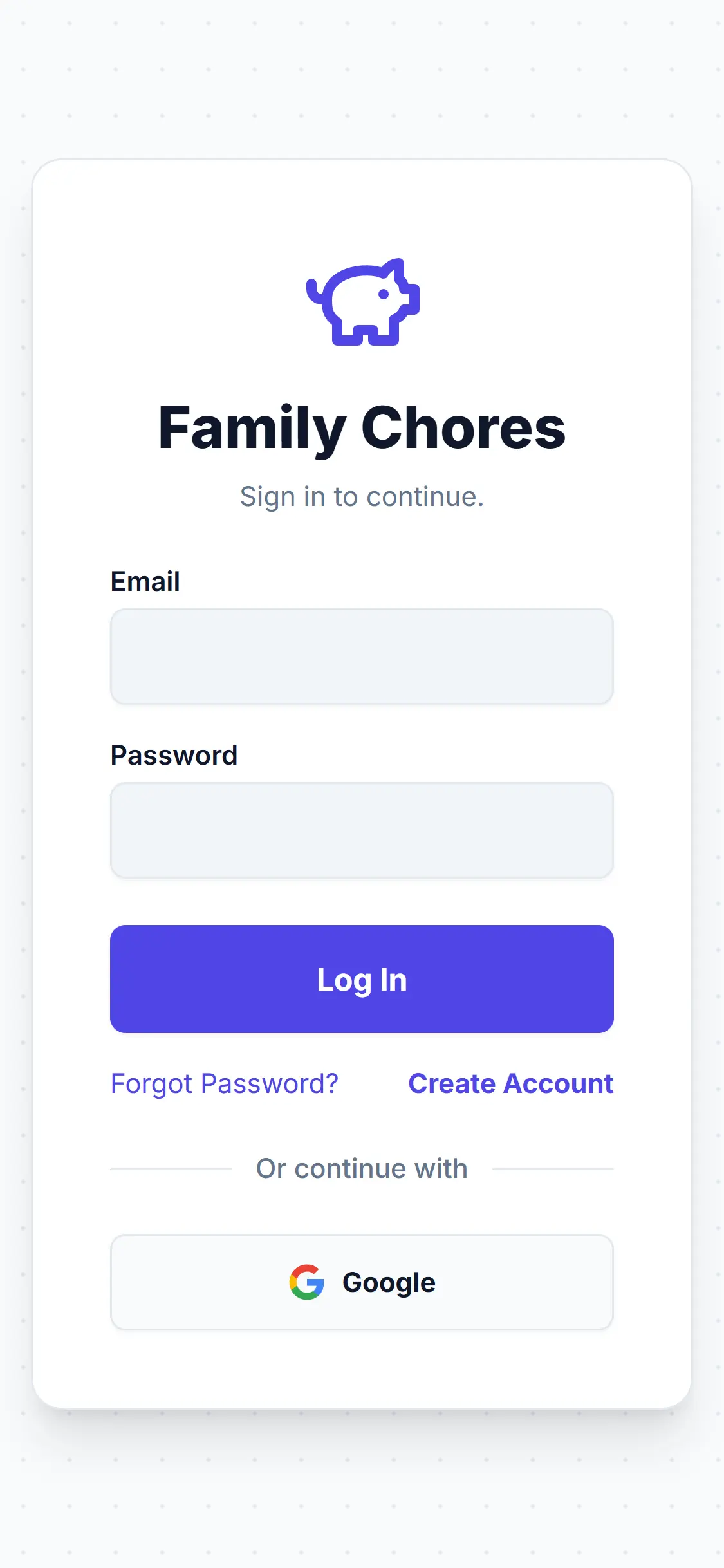
Launch the App
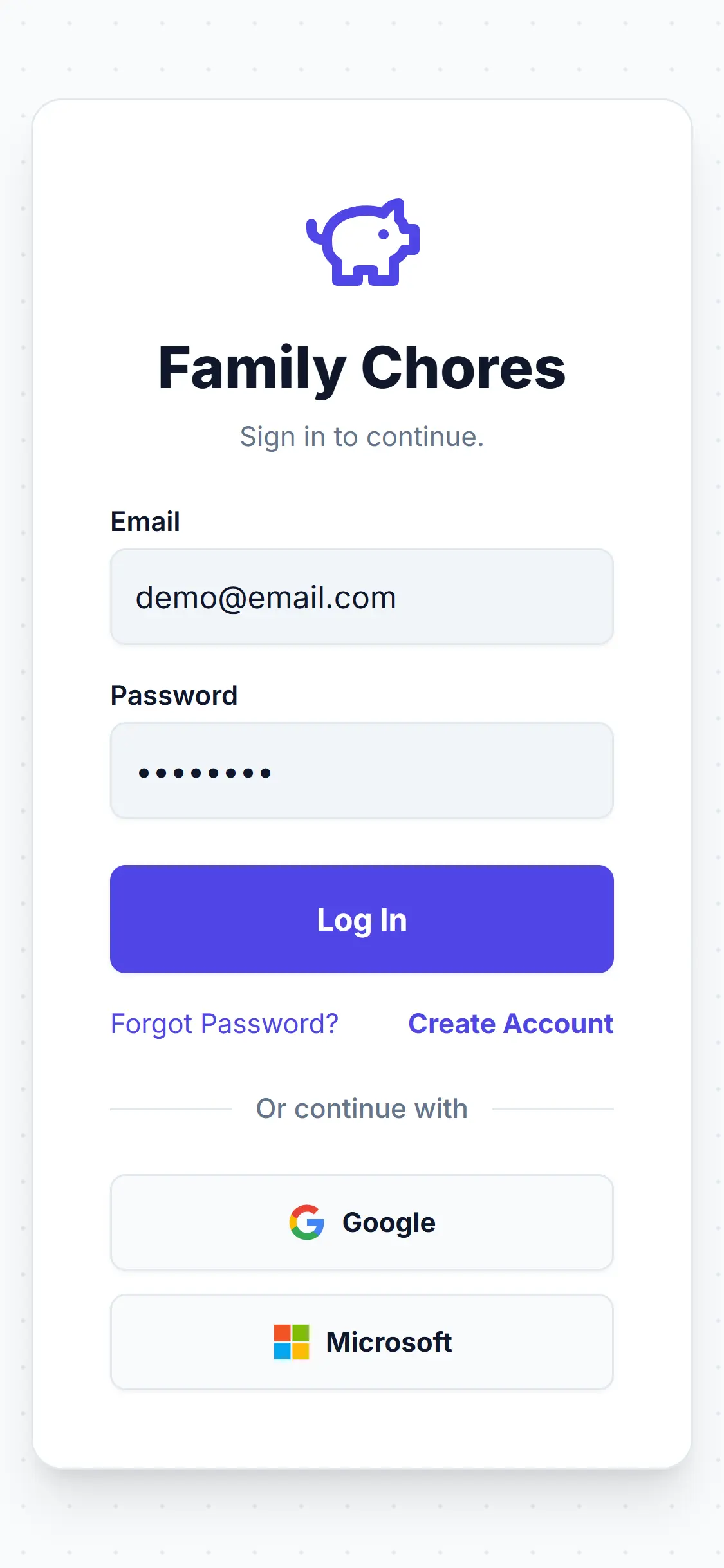
Open the app to begin the setup process. Choose your selected login method from the home screen.
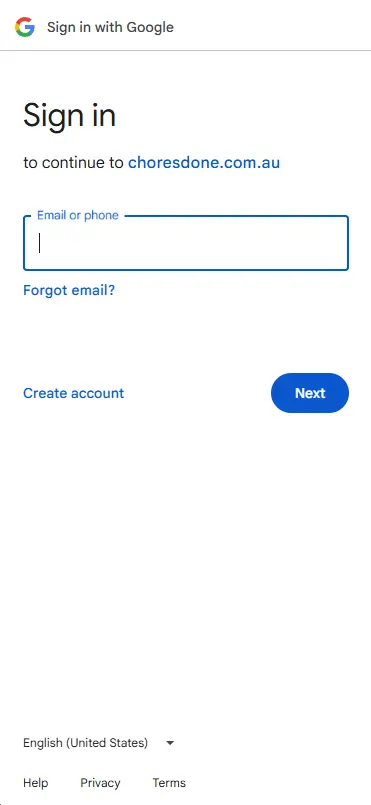
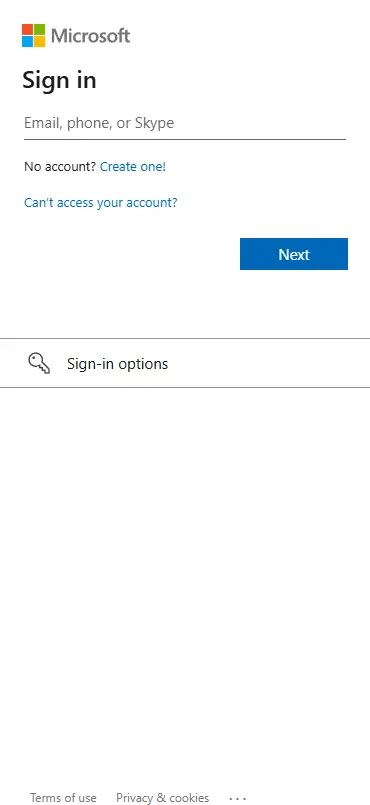
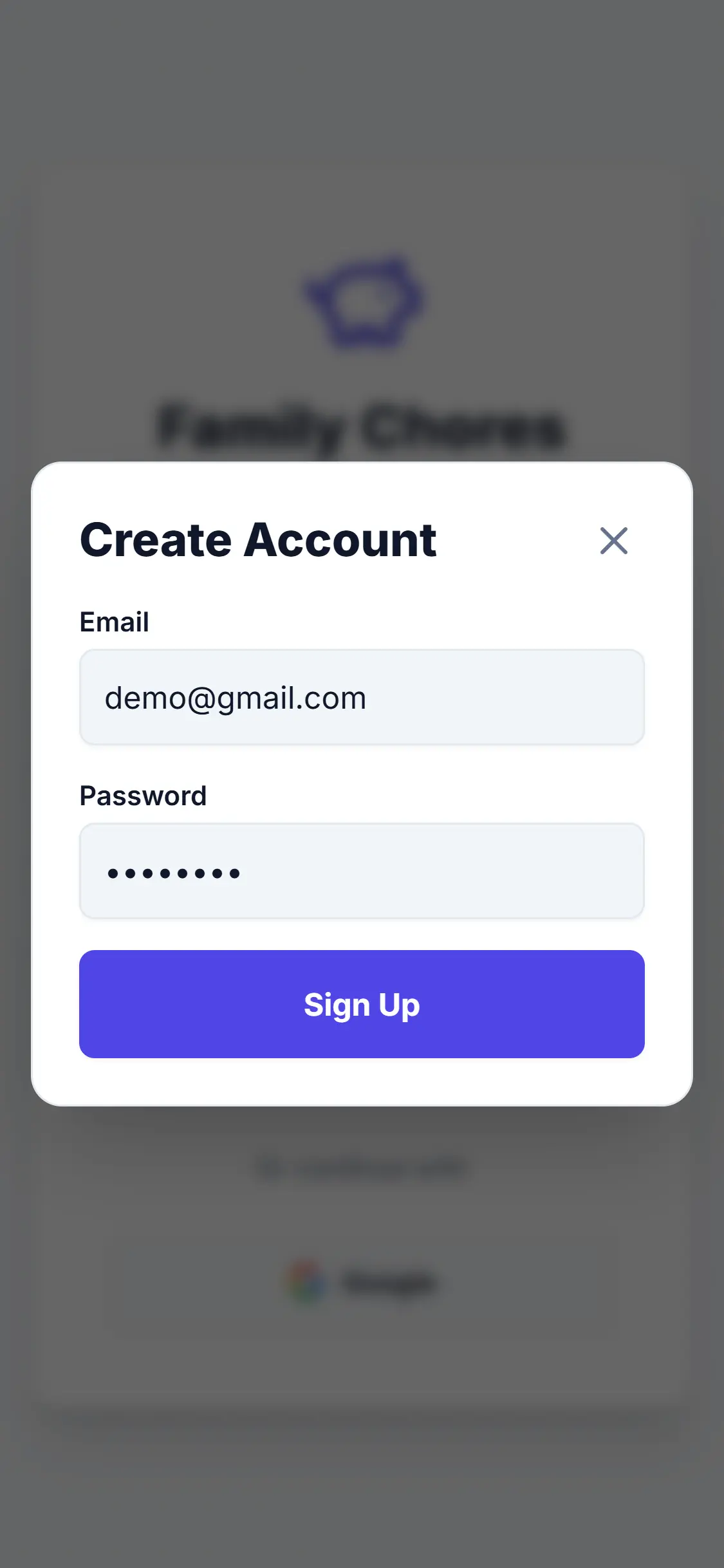
Choose Your Path
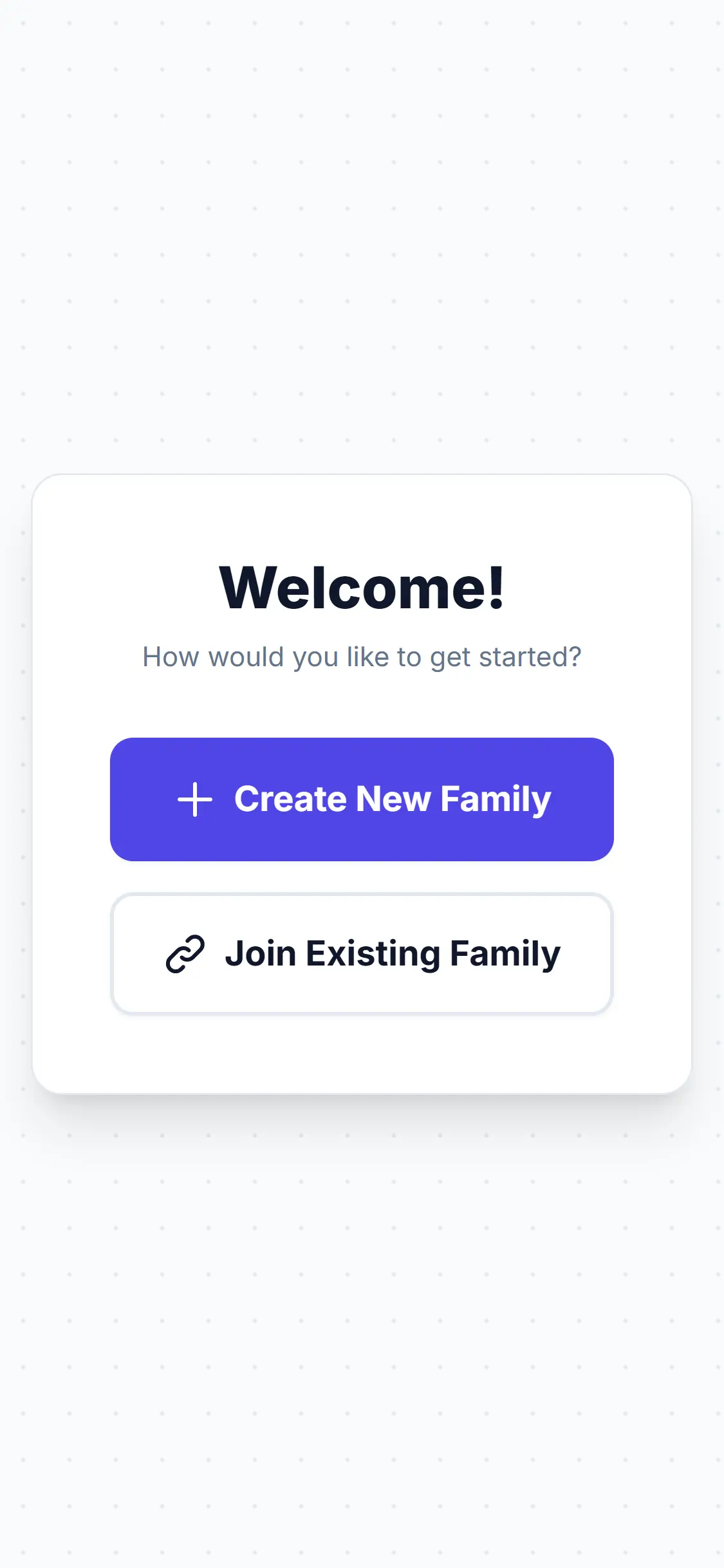
As the primary account holder, tap "Create New Family". (If your partner has already set up the app, they can send you an invite code to join theirs instead).
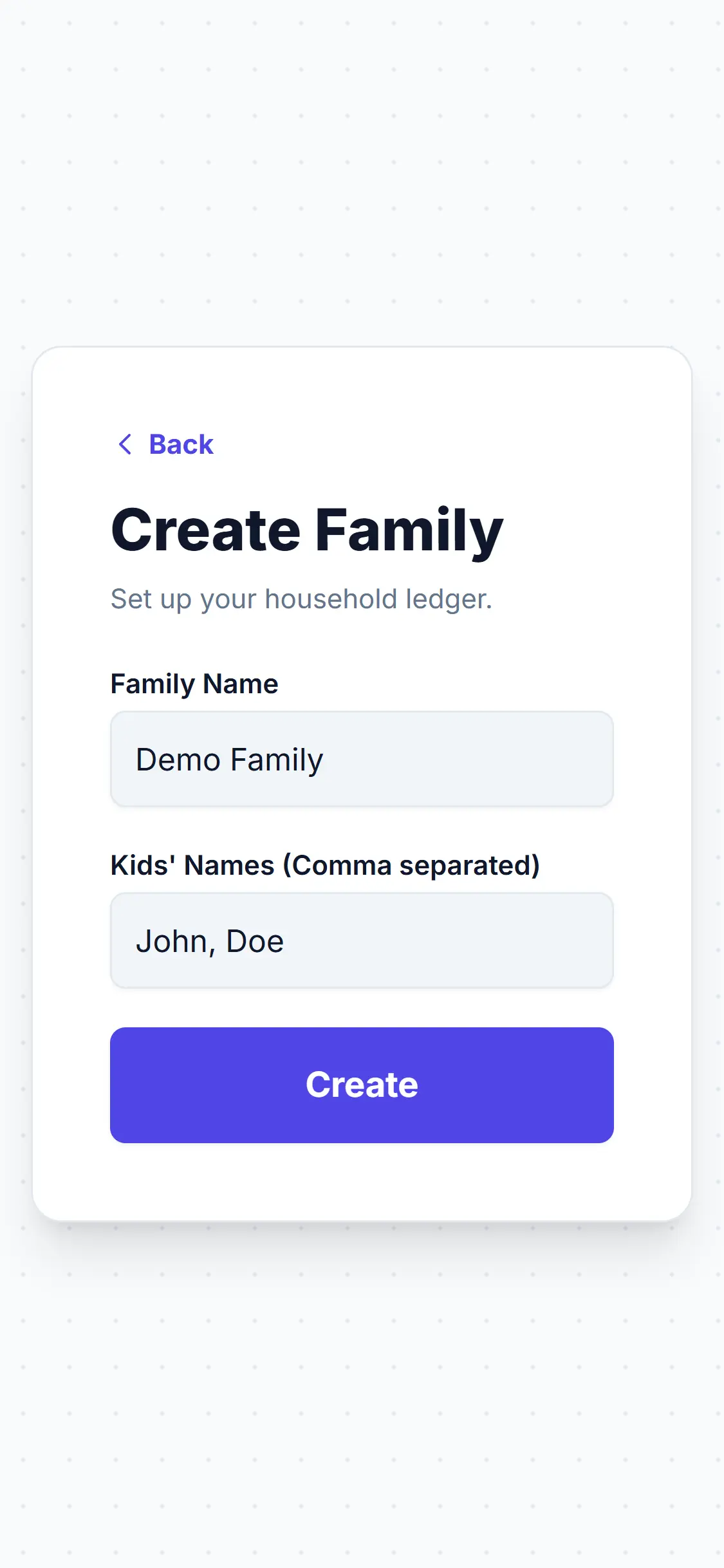
Build the Roster
Name your household and list the first names of your kids, separated by commas. Tap "Create" and your family system is live!
Household created?
Install Chores Done on your phone so the family can open it from the Home Screen like a native app.
Install on iPhone or AndroidThen explore everyday tasks in our how-to guides.
Browse How-To Guides